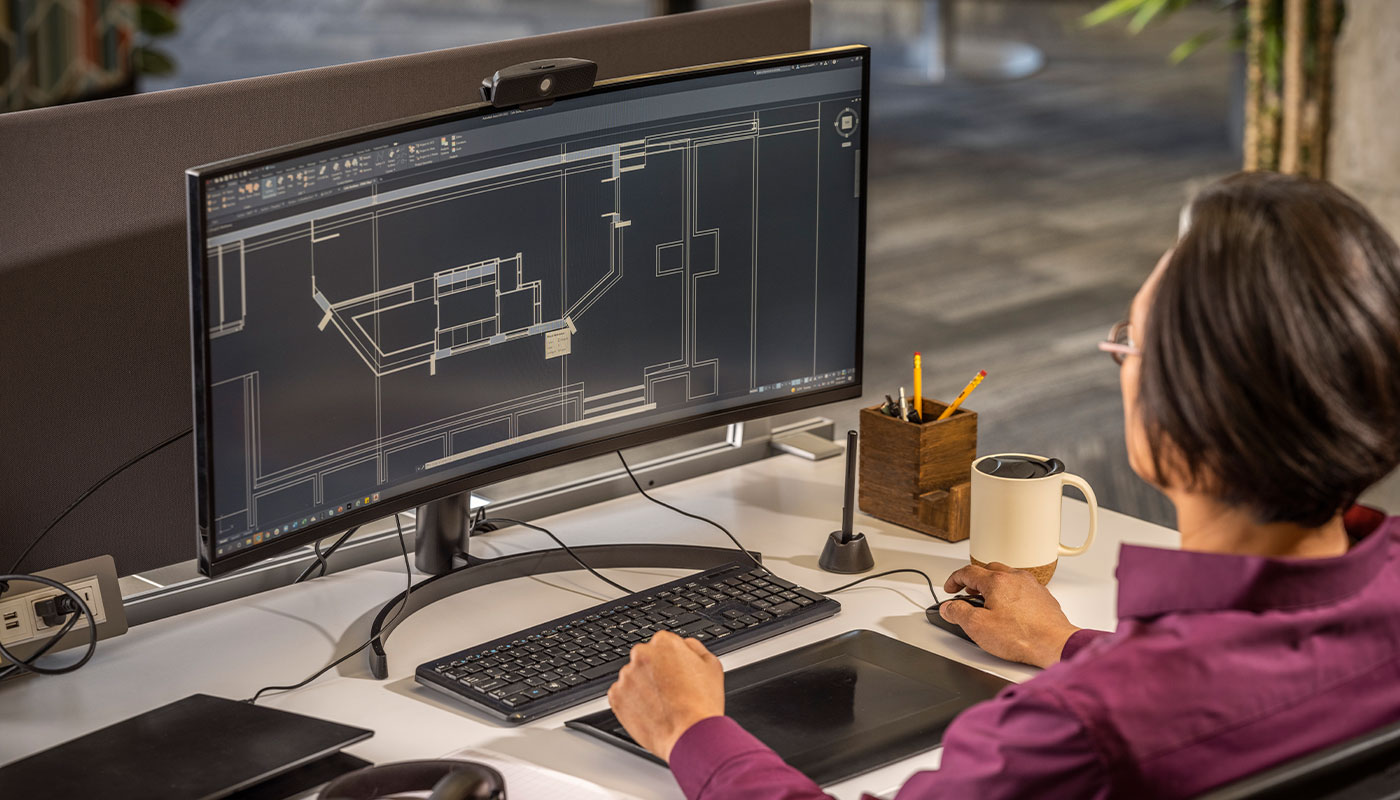
The Revit MEP Professional Course covers BIM workflows for mechanical, electrical, and plumbing systems. Participants learn to design and coordinate MEP systems within a single model, reducing clashes and improving construction accuracy.
Download the detailed course outline
KeyLearningOutcomes
By the end of this course, participants will be able to:
Model HVAC, piping, and plumbing systems
Design electrical and lighting systems
Coordinate MEP models with architectural and structural models
Generate schedules and documentation
Perform system analysis and checks
Pre-requisites
Pre-requisites
Basic computer literacy
Understanding of MEP systems design principles recommended
Certificate&Assessment
Autodesk Certificate of Completion
Preparation toward Autodesk Certification exams
Practical, project-based assessment
CourseDuration
Duration: 40 Hours
Flexible delivery options to accommodate corporate needs provided minimum contact hours are met
Software&Requirements
Laptop or PC meeting Autodesk system requirements
Autodesk Revit training license will be provided for the duration of the training
Pre-requisites
Basic computer literacy
Understanding of MEP systems design principles recommended
Certificate&Assessment
Autodesk Certificate of Completion
Preparation toward Autodesk Certification exams
Practical, project-based assessment
CourseDuration
Duration: 40 Hours
Flexible delivery options to accommodate corporate needs provided minimum contact hours are met
Software&Requirements
Laptop or PC meeting Autodesk system requirements
Autodesk Revit training license will be provided for the duration of the training
IntendedAudience/Professionals
Autodesk Certificate of Completion
Preparation toward Autodesk Certification exams
Practical, project-based assessment
Frequentlyaskedquestions(FAQs)
What is Revit MEP used for?
Revit MEP is used by professionals like architects, engineers, and designers for creating precise technical drawings, floor plans, elevations, and detailed documentation for various projects, from buildings and infrastructure to mechanical parts and product designs, ensuring clarity, accuracy, and efficient collaboration through digital drafting. It functions as a digital drafting table, allowing creation of plans, sections, and detailed component documentation, essential for construction, manufacturing, and urban planning.
Who uses Revit MEP?
Revit MEP is used by architects, engineers (civil, mechanical, electrical), interior designers, construction professionals, and industrial designers, among others, to create precise, scaled drawings, blueprints, floor plans, and schematics for everything from buildings and roads to mechanical parts and electrical systems, replacing traditional hand-drafting for increased accuracy and efficiency.
What is the difference between Revit MEP 2D and Revit MEP?
AutoCAD is the full, comprehensive version with powerful 2D drafting, 3D modeling, automation, and customization features, while “Revit MEP” typically refers to AutoCAD LT, a more streamlined, cost-effective version focused only on precision 2D drafting, documentation, and annotation, lacking significant 3D capabilities and advanced customization tools found in the full version.
Seemore
Support and problem solving (US Site)
Find troubleshooting articles and
resolve your issue.
Ready to Start your Autodesk Journey
Join to advance your design and engineering careers today.